GPX to video Β· online, no install

Turn a GPX file into a video

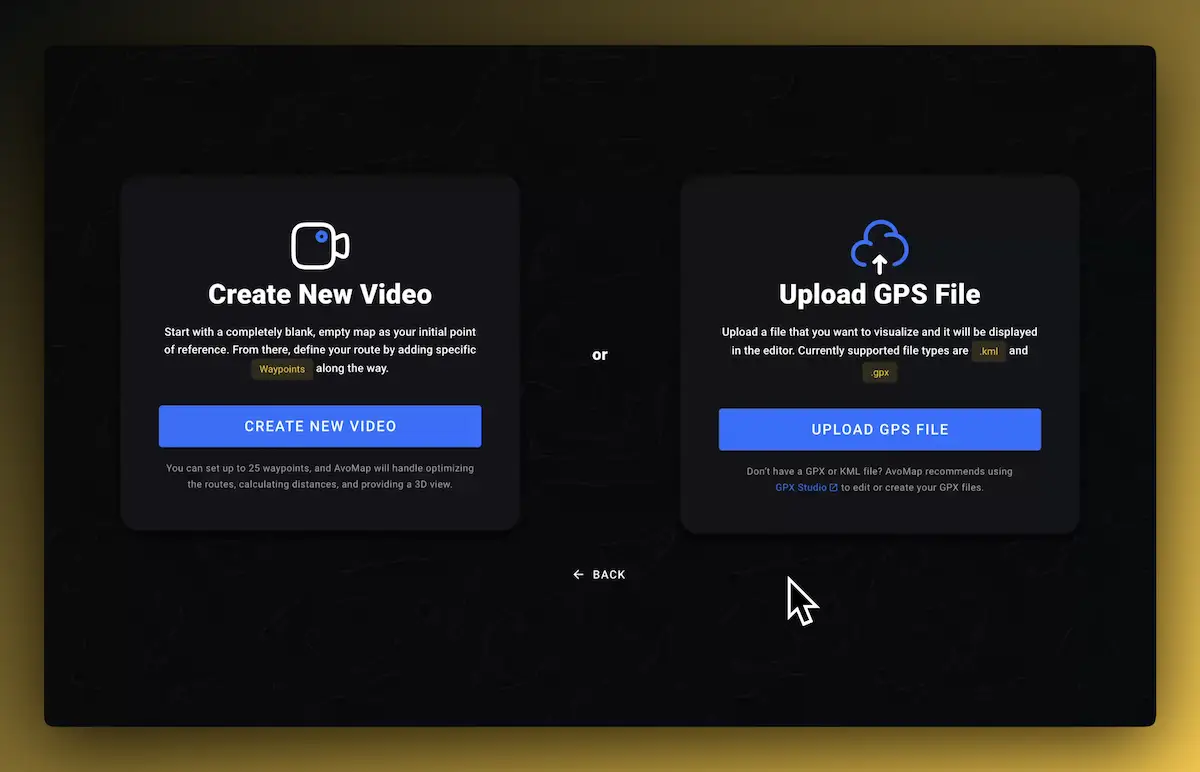
Upload the GPX track from your ride, run, hike, or flight and AvoMap draws it over real 3D terrain. You watch the animation immediately in the browser, adjust what you want, and export an MP4 in up to 4K. KML works too.

How it works

GPX to video in three steps

  1. 1Upload. Open the editor, click "Select GPS File", and choose your GPX or KML file. The track appears on the 3D map in seconds.
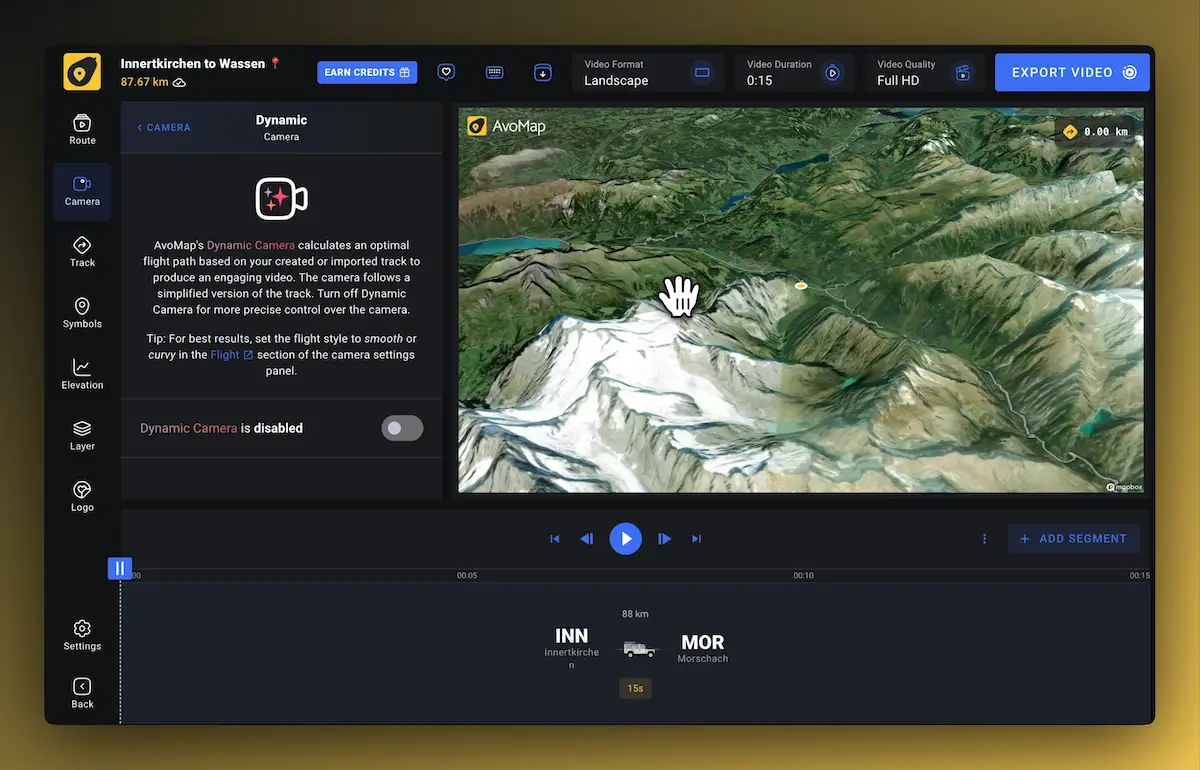
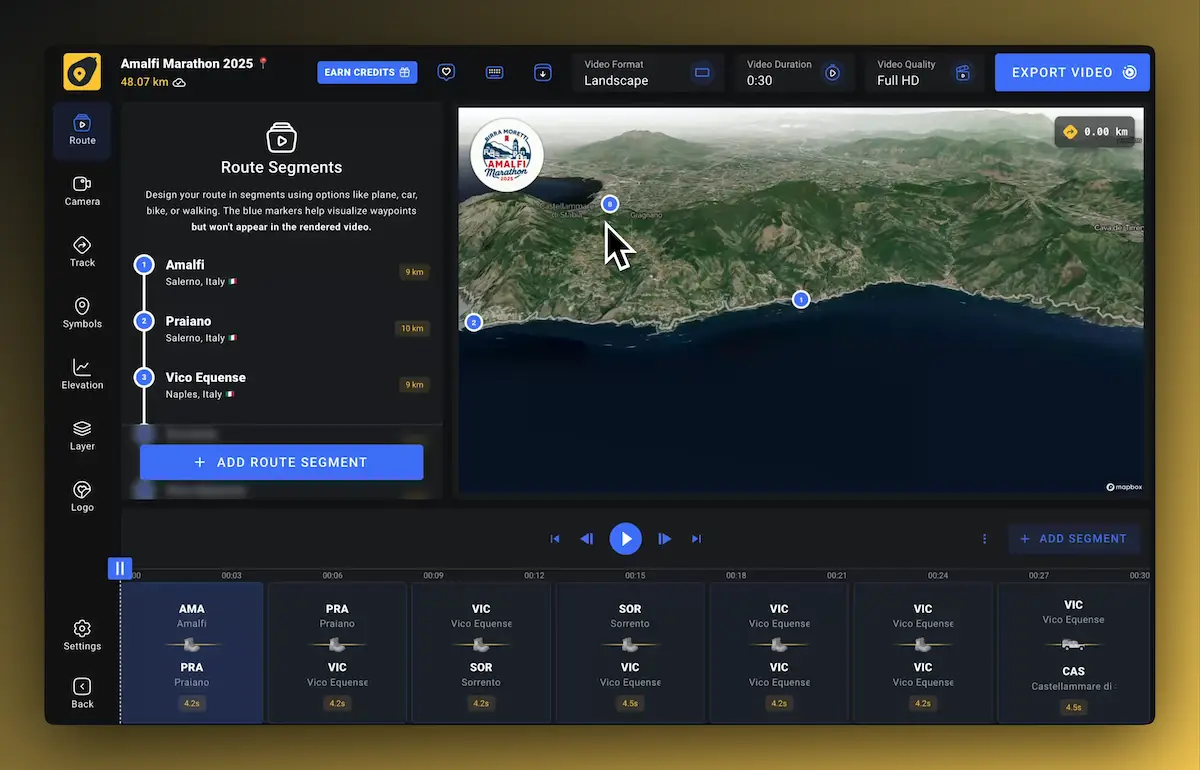
  2. 2Adjust. Press play for an instant preview. Set the duration, pick a map style, add markers, and let the dynamic camera follow the route.
  3. 3Export. Render the video as an MP4 in 1080p or 4K at 60 fps, then download it.
What's in the video

Your track, not an approximation

Exact track

The video follows your recorded coordinates point by point. Waypoints in the file are picked up automatically.

3D terrain

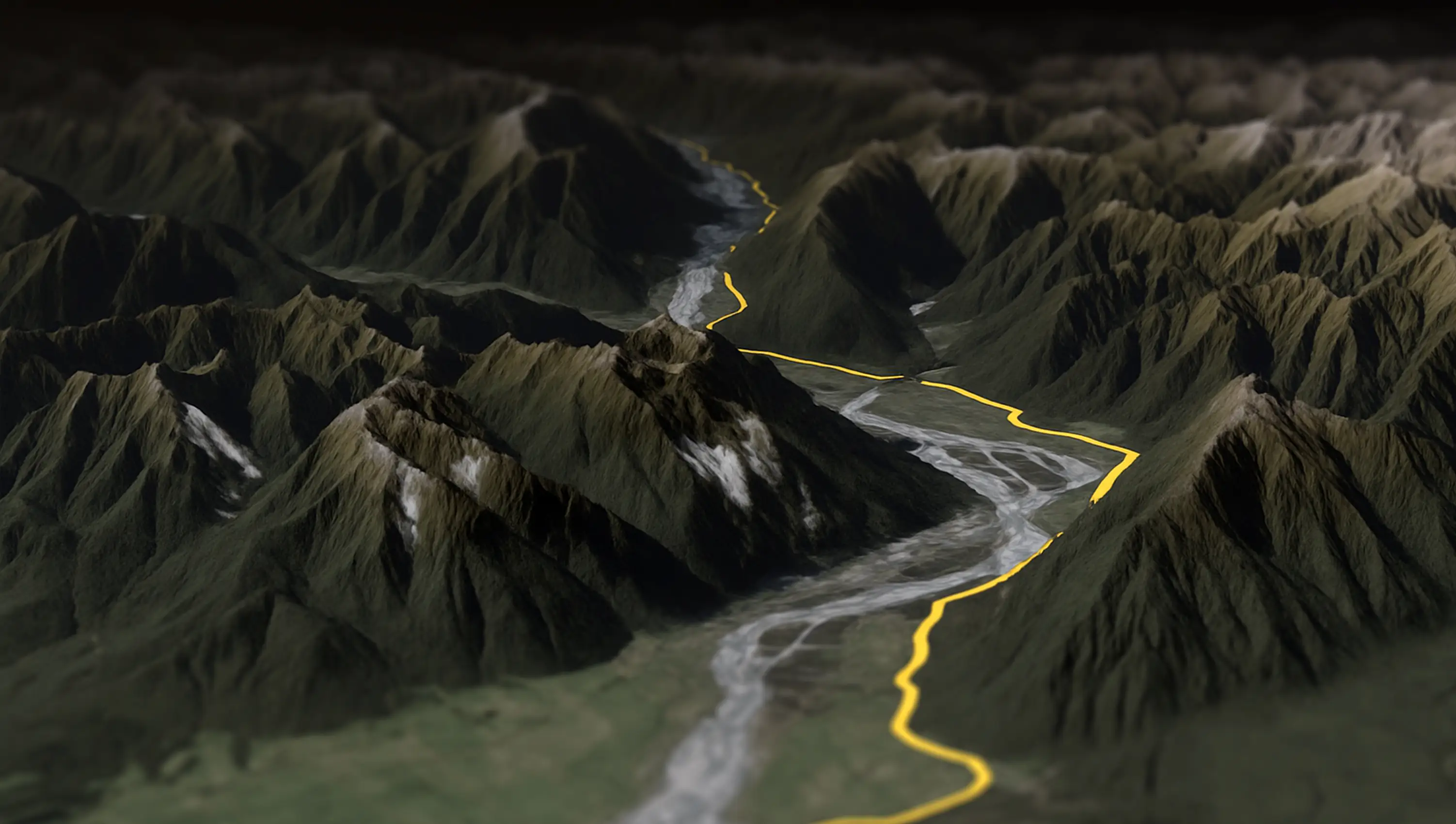
Elevation from the GPX plays out over satellite imagery. Climbs look like climbs.

Elevation profile

An animated altitude chart, calculated from your file with one click.

Your styling

12 map styles, 22 route colors, 100+ markers, your own logo if you want it.

GPX 3D animation

Flat lines don't do a mountain justice

A GPX file carries elevation, and AvoMap uses it. The track climbs and descends over satellite terrain while the camera flies alongside. An animated elevation profile is one click away.

More about the animated map maker
Coming from GPX Animator?

A browser alternative to GPX Animator

GPX Animator is a solid open-source desktop app. It's also a Java download, its output is a flat top-down animation, and every tweak means re-rendering. AvoMap does the same job in the browser with 3D terrain and a live preview: change a color or camera angle and you see the result immediately. The trade-off is honest β€” GPX Animator is free to export, AvoMap charges per finished video and gives you a free unlimited editor.

No GPX file yet?

Where your GPX files live

Every major tracking app exports GPX. Strava has a GPX download on each activity page, and AllTrails exports routes the same way. Garmin, Komoot, and Wahoo devices all speak GPX natively. Got a KML or KMZ from Google Earth instead? Use the free KML to GPX converter first, or upload the KML directly.

Questions

GPX to video FAQ

Is there a free way to turn GPX into a video?
The AvoMap editor is free without limits: upload the GPX, preview the full animation, and adjust styles and camera as long as you like. Exporting the finished MP4 costs one render credit (from $9 for 3 videos). If you need free exports and can live with 2D output and a Java install, the open-source GPX Animator is the alternative.
Does this convert GPX to MP4?
Yes. The export is a standard MP4 video file at 1080p or 4K, 60 frames per second, in aspect ratios for YouTube, Reels, Stories, or TikTok.
What GPX data does the video use?
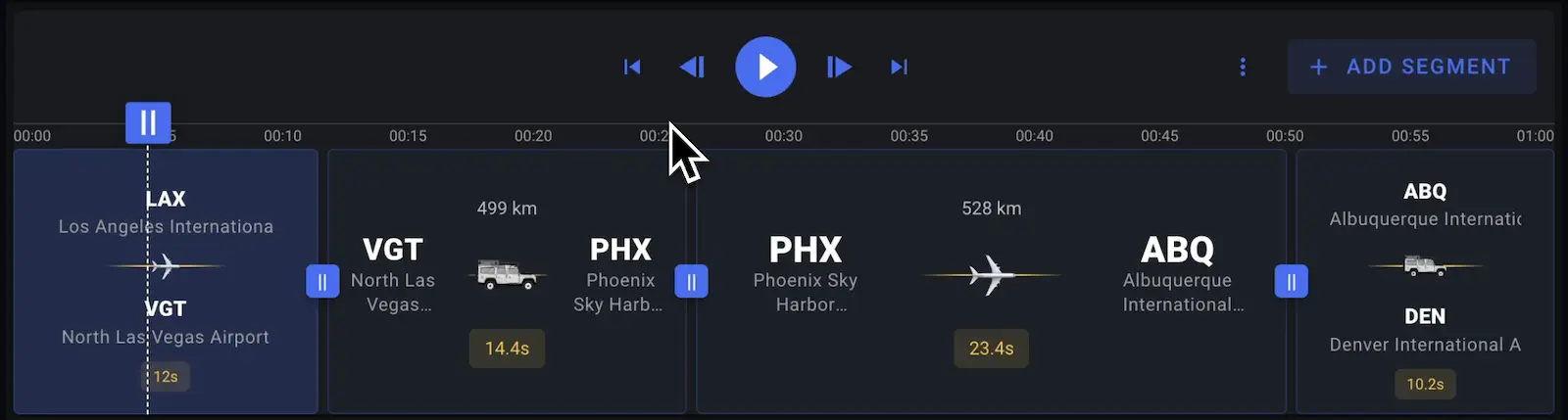
The track coordinates, waypoints, and elevation. Playback speed is yours to set per segment, so a 6-hour ride can be a 30-second clip.
Can I combine several GPX files in one video?
Yes β€” each file becomes a segment, and you can mix them with drawn routes and flights. A multi-day trip fits in a single animation.
Do KML and KMZ files work too?
KML uploads work directly. For KMZ, convert it first with the free KMZ to GPX converter on this site.

Your GPX file is 5 minutes from being a video

Free editor, instant preview. You pay only when you export.