Make animated maps that move like the journey
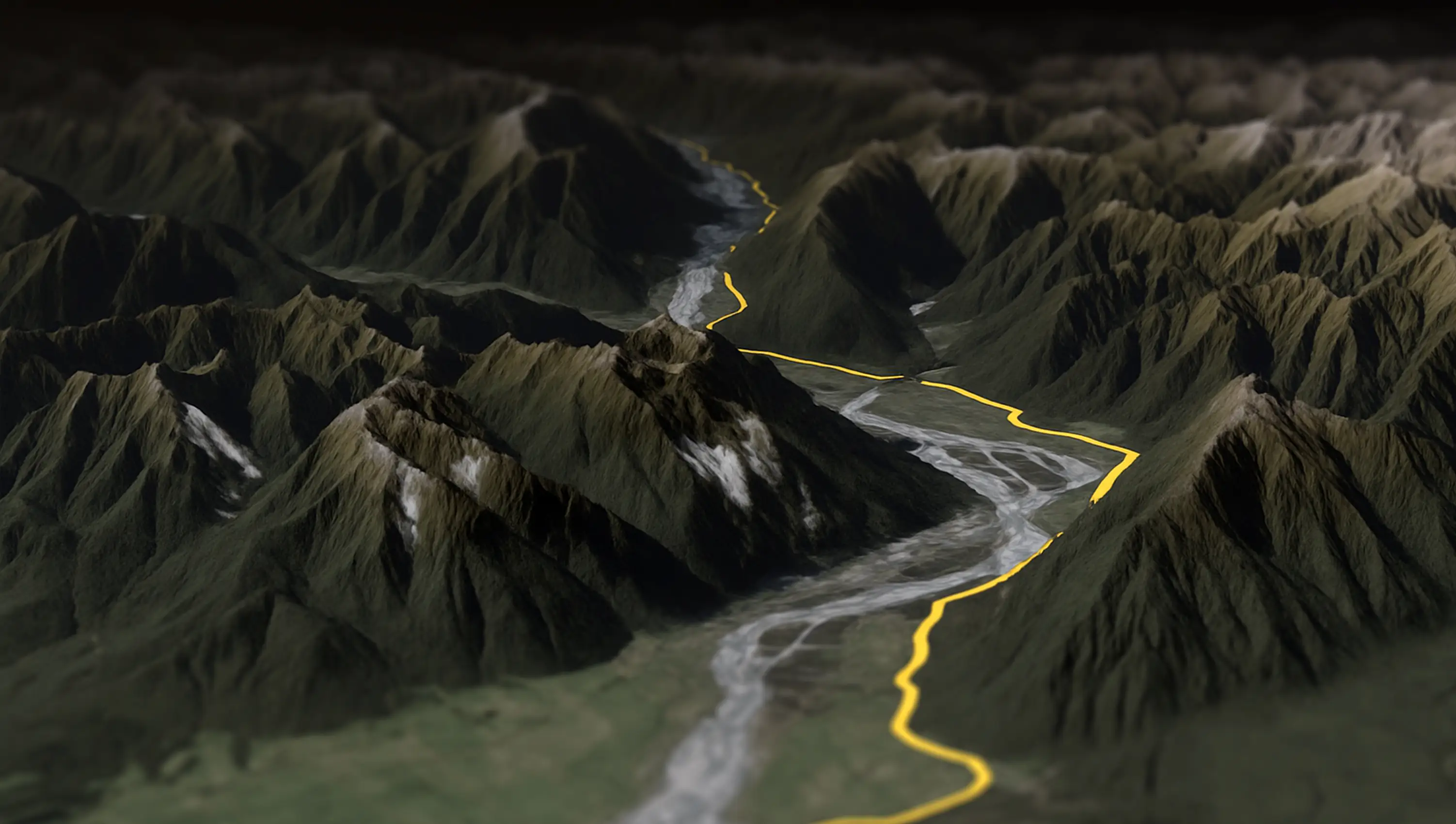
AvoMap is an online animated map maker: draw a route or drop in a GPX/KML file, and it becomes a cinematic map animation over real 3D terrain β travel maps, road trips, flights across a world globe. No installs, no editing skills.
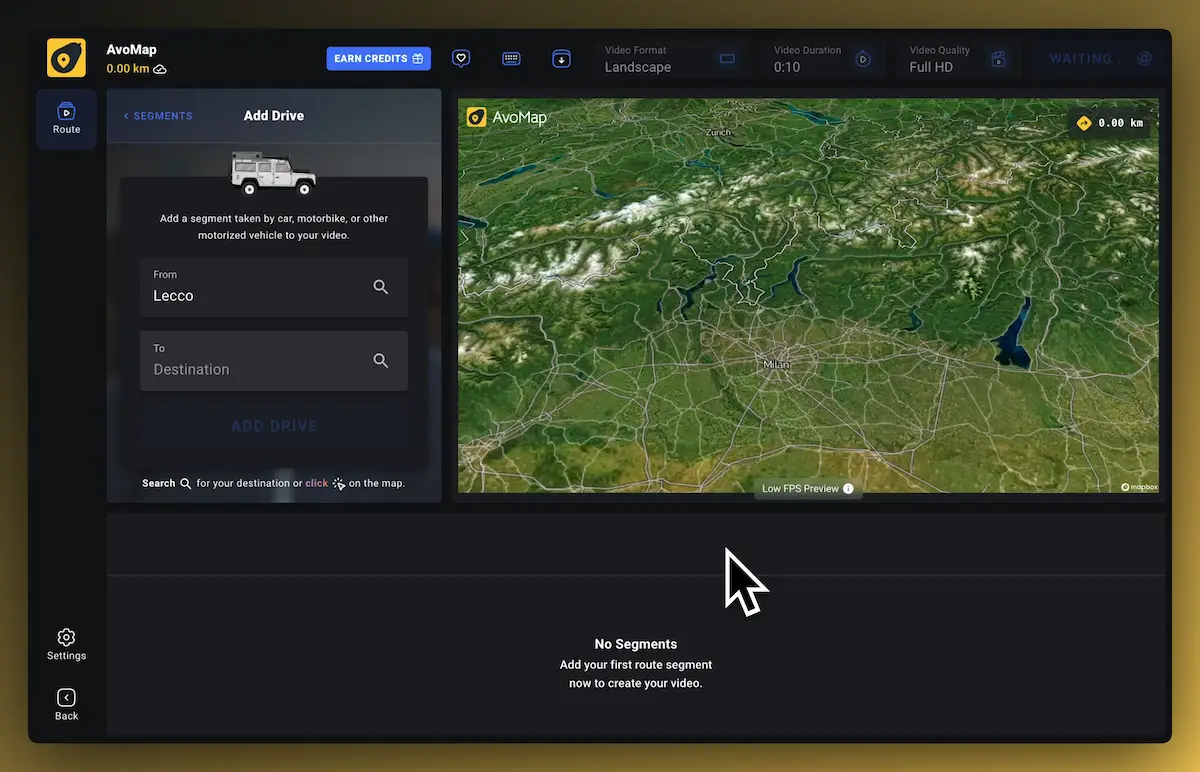
Create an animated map in three steps
- 1Set the route. Choose the activity, then click origin and destination on the map β or upload a GPX/KML file you already have.
- 2Style the animation. Pick a map style, route color, and markers; let the dynamic camera fly along or set your own angles.
- 3Preview and export. Play an instant preview in the browser, then render the animated map as a video up to 4K at 60 fps.
From travel itineraries to race replays
Travel map animation
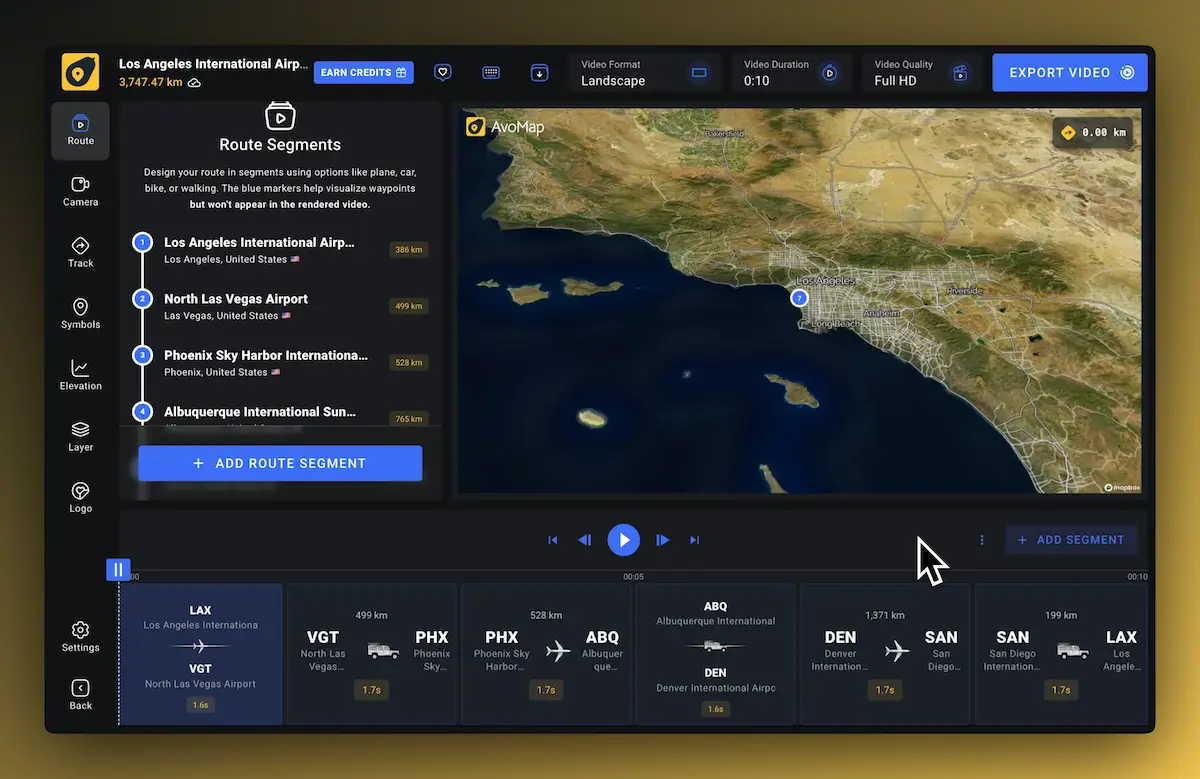
Turn an itinerary into an animated travel map β every leg drawn in sequence, ready for reels and stories.
Road trip animation
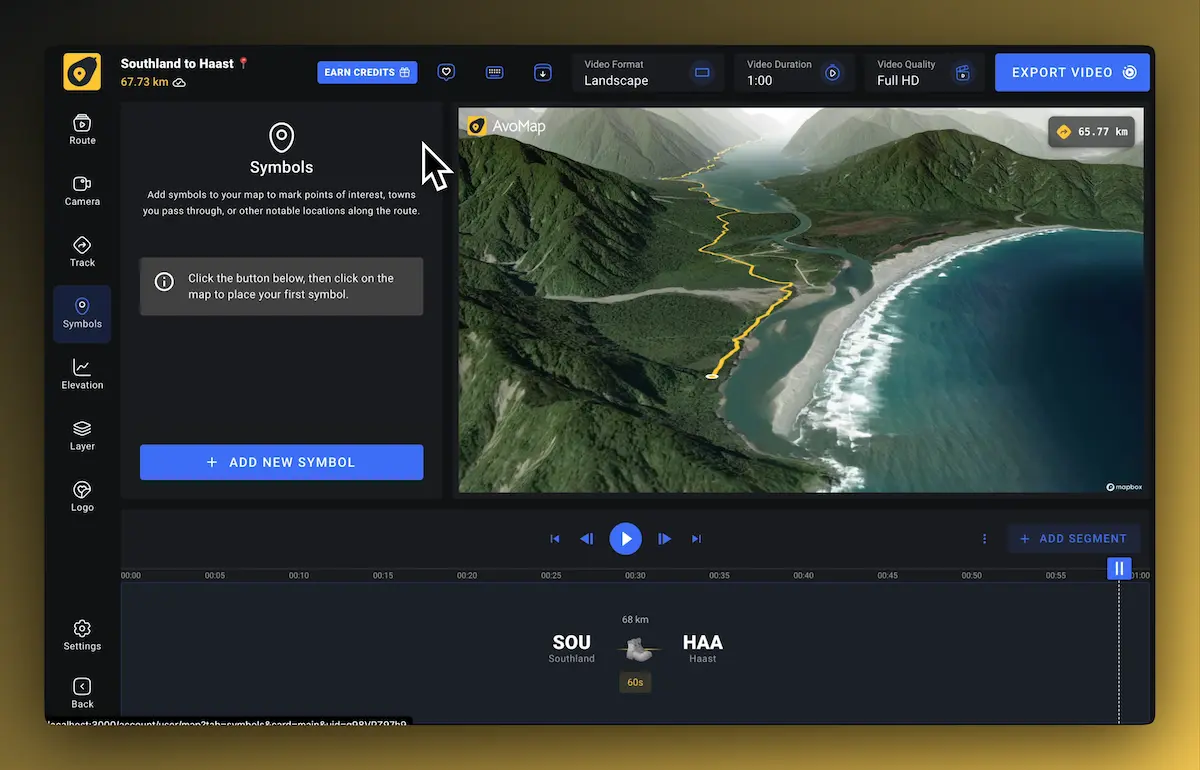
Animate the drive over real 3D terrain, with the stops and detours that made it memorable.
Flight animation
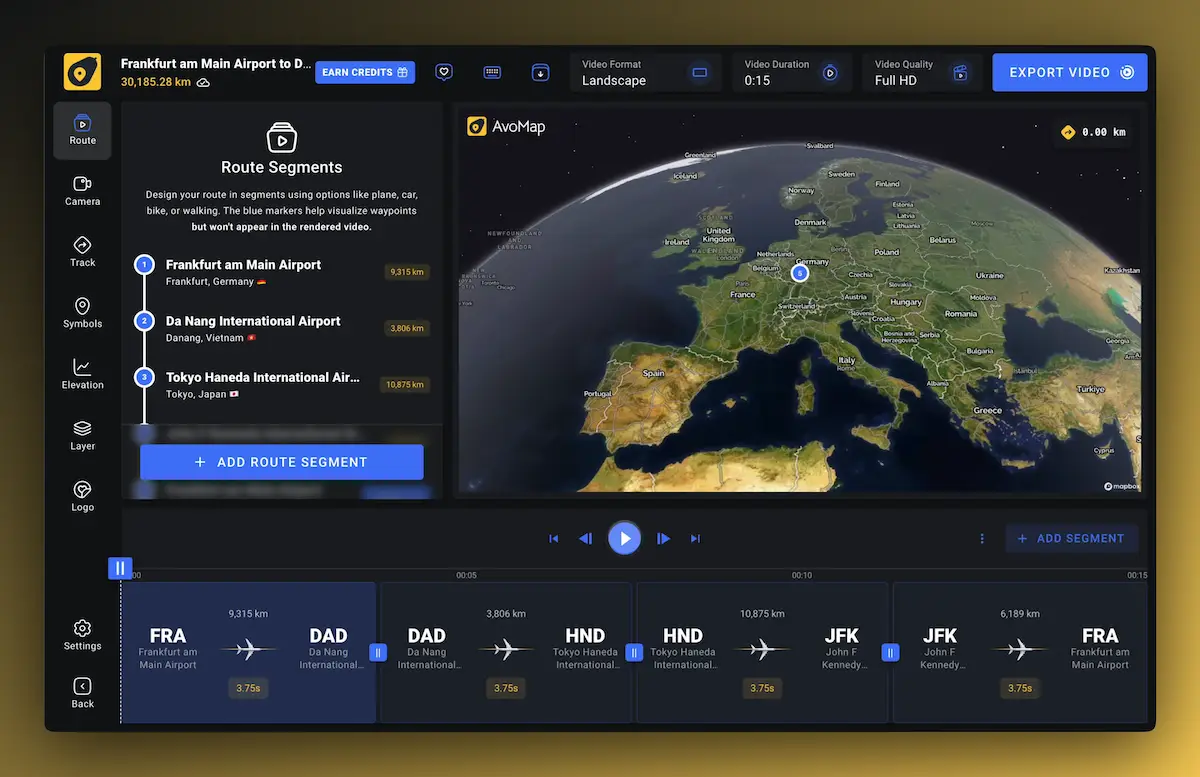
Great-circle flight paths on a rotating globe, from a single flight to a multi-city hop.
Sports & races
Replay a ride, run, or hike from its GPX track, with elevation and pace where they matter.
Fly across a 3D globe
Longer itinerary? Animate flights between continents on a realistic world globe and combine them with drives, rides, and walks β one continuous map animation for the whole trip, with 7,695 airports to route through.
12 map styles, 22 colors, 100+ markers
Pick the base map that fits the story (satellite terrain, minimal dark, street detail), then set route colors, drop markers, and add your own logo. The animation is yours down to the camera angle.
More on route mapsThe fast lane past map animation software
The usual way to make an animated map is a desktop pipeline: trace a route in Google Earth, export, then keyframe it in After Effects β hours of work per video. AvoMap replaces that with a browser editor built only for map animation: the route, terrain, camera moves, and rendering are handled for you, and a finished video exports in minutes at up to 4K/60fps. If you're comparing tools, see how AvoMap stacks up against Mult.dev and TravelBoast.
Animated map FAQ
Is there a free animated map maker?
How do I make an animated map for a video?
Can I animate a map from a GPX or KML file?
What video formats and sizes can I export?
Do I need After Effects or any software installed?
Your next trip deserves more than a screenshot
The editor is free to use with everything unlocked β you only pay when you export a video.